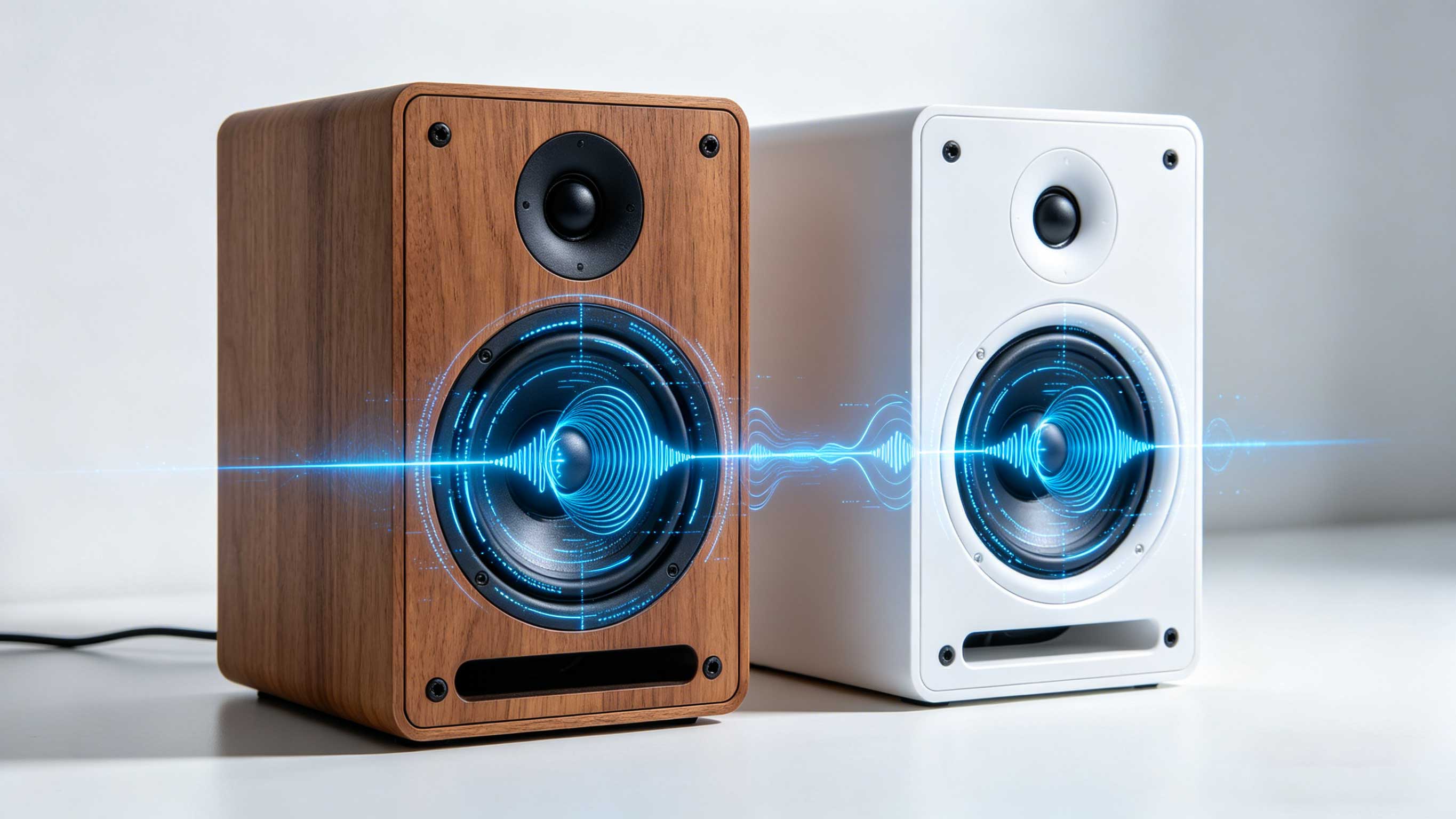
teaching you how to connect a speaker to your phone
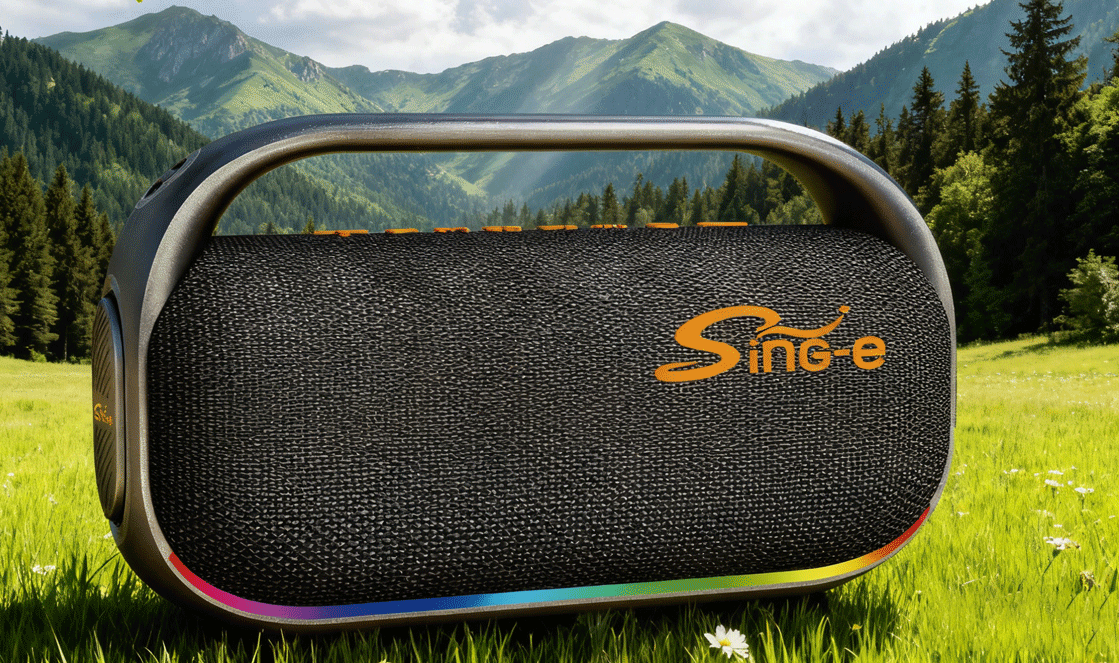
In the era of modern technology, wireless speakers have become a common device in homes and public places, allowing us to enjoy high-quality music anytime, anywhere. However, many people may encounter some difficulties when trying to connect their phone to the speaker to play music. This article will provide a detailed introduction to various methods of connecting your phone to a speaker, helping you easily embark on a wireless music journey.
1、 Bluetooth connection
Turn on the Bluetooth function of the phone and speaker: Ensure that both the phone and speaker are turned on, and enable the Bluetooth function in the settings. Usually, the Bluetooth icon is displayed in the notification bar or settings menu.
Search for audio devices on your phone: In the Bluetooth settings interface of your phone, click on "Search for Devices" or "Scan Devices". At this point, the phone will start searching for nearby Bluetooth devices.
Select audio equipment: In the search results, find and click on your audio equipment name. If you need to enter a password, please refer to the audio manual or try the commonly used default password (such as 0000 or 1234).
Connection successful: Once the phone is successfully connected to the speaker, you will hear a prompt sound or see a successful connection notification on your phone. At this point, you can start playing music on your phone and enjoy a high-quality music experience through the sound system.
2、 Wi Fi connection
Ensure that the phone and speaker are connected to the same Wi Fi network: First, make sure that both the phone and speaker are connected to the same Wi Fi network. This can be confirmed by checking the network settings of the phone and speaker.
Download and install relevant applications: Search and download the corresponding control application in the mobile app store based on the audio brand and model. These applications are typically used to control various functions of the audio system, including music playback.
Connect audio equipment: Open the installed application and follow the prompts to connect the audio equipment. This may require entering the device's IP address or scanning the device's QR code.
Play music: After successful connection, you can browse and play music on your phone in the app. This method typically provides higher sound quality and more stable connections, but may require more setup steps
3、 Wired connection
If your speaker does not have Bluetooth or Wi Fi functionality, or if you prefer to use a wired connection for more stable sound quality, you can use one of the following methods:
Connect with audio cable: Use a 3.5mm audio cable or RCA audio cable to connect the phone to the speaker. Make sure to insert the correct jack and select the correct output device on the phone.
Use adapter connection: If your phone does not have a suitable audio output jack, you can use an adapter for conversion. For example, using a USB-C to 3.5mm adapter to connect a phone with a USB-C interface.
4、 Summary
By using the above methods, you can easily connect your phone to the speaker and enjoy a high-quality music experience. With the development of technology, there may be more convenient connection methods and technological innovations in the future. For example, seamless connection between speakers and mobile phones can be achieved through wireless chargers, or interconnection between speakers and other smart devices can be achieved through smart home systems.
1、 Bluetooth connection
Turn on the Bluetooth function of the phone and speaker: Ensure that both the phone and speaker are turned on, and enable the Bluetooth function in the settings. Usually, the Bluetooth icon is displayed in the notification bar or settings menu.
Search for audio devices on your phone: In the Bluetooth settings interface of your phone, click on "Search for Devices" or "Scan Devices". At this point, the phone will start searching for nearby Bluetooth devices.
Select audio equipment: In the search results, find and click on your audio equipment name. If you need to enter a password, please refer to the audio manual or try the commonly used default password (such as 0000 or 1234).
Connection successful: Once the phone is successfully connected to the speaker, you will hear a prompt sound or see a successful connection notification on your phone. At this point, you can start playing music on your phone and enjoy a high-quality music experience through the sound system.
2、 Wi Fi connection
Ensure that the phone and speaker are connected to the same Wi Fi network: First, make sure that both the phone and speaker are connected to the same Wi Fi network. This can be confirmed by checking the network settings of the phone and speaker.
Download and install relevant applications: Search and download the corresponding control application in the mobile app store based on the audio brand and model. These applications are typically used to control various functions of the audio system, including music playback.
Connect audio equipment: Open the installed application and follow the prompts to connect the audio equipment. This may require entering the device's IP address or scanning the device's QR code.
Play music: After successful connection, you can browse and play music on your phone in the app. This method typically provides higher sound quality and more stable connections, but may require more setup steps
3、 Wired connection
If your speaker does not have Bluetooth or Wi Fi functionality, or if you prefer to use a wired connection for more stable sound quality, you can use one of the following methods:
Connect with audio cable: Use a 3.5mm audio cable or RCA audio cable to connect the phone to the speaker. Make sure to insert the correct jack and select the correct output device on the phone.
Use adapter connection: If your phone does not have a suitable audio output jack, you can use an adapter for conversion. For example, using a USB-C to 3.5mm adapter to connect a phone with a USB-C interface.
4、 Summary
By using the above methods, you can easily connect your phone to the speaker and enjoy a high-quality music experience. With the development of technology, there may be more convenient connection methods and technological innovations in the future. For example, seamless connection between speakers and mobile phones can be achieved through wireless chargers, or interconnection between speakers and other smart devices can be achieved through smart home systems.
The difference between microphone and speaker
Wireless microphones cannot be connected arbitrarily